Dynamic Framework with CocoaPods support
A short and compact guide to create a basic redistributable framework with CocoaPods support. This example is intended to work on iOS, but the same principles can be applied to watchOS, tvOS and macOS.
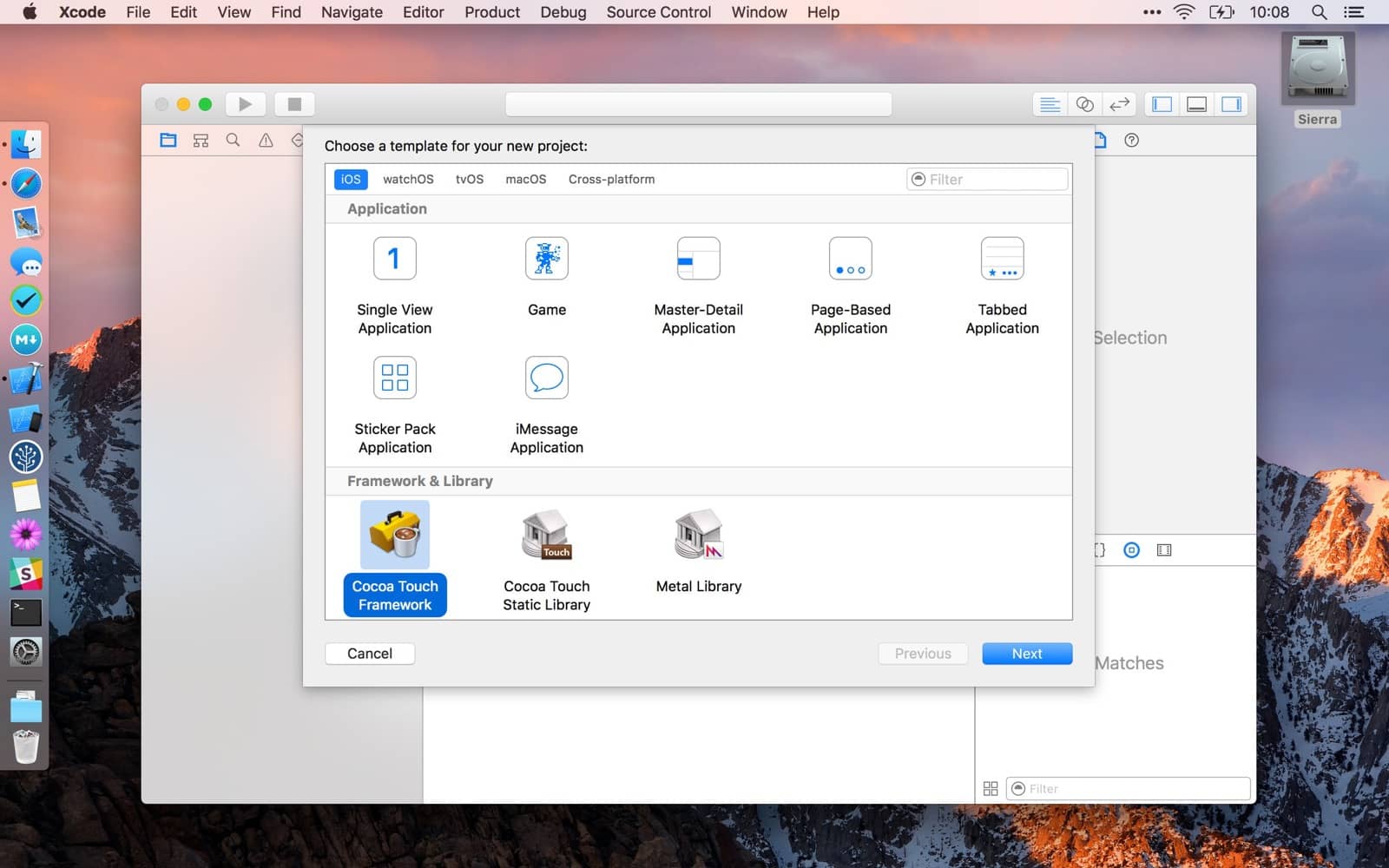
Create a new Xcode project and select Cocoa Touch Framework.
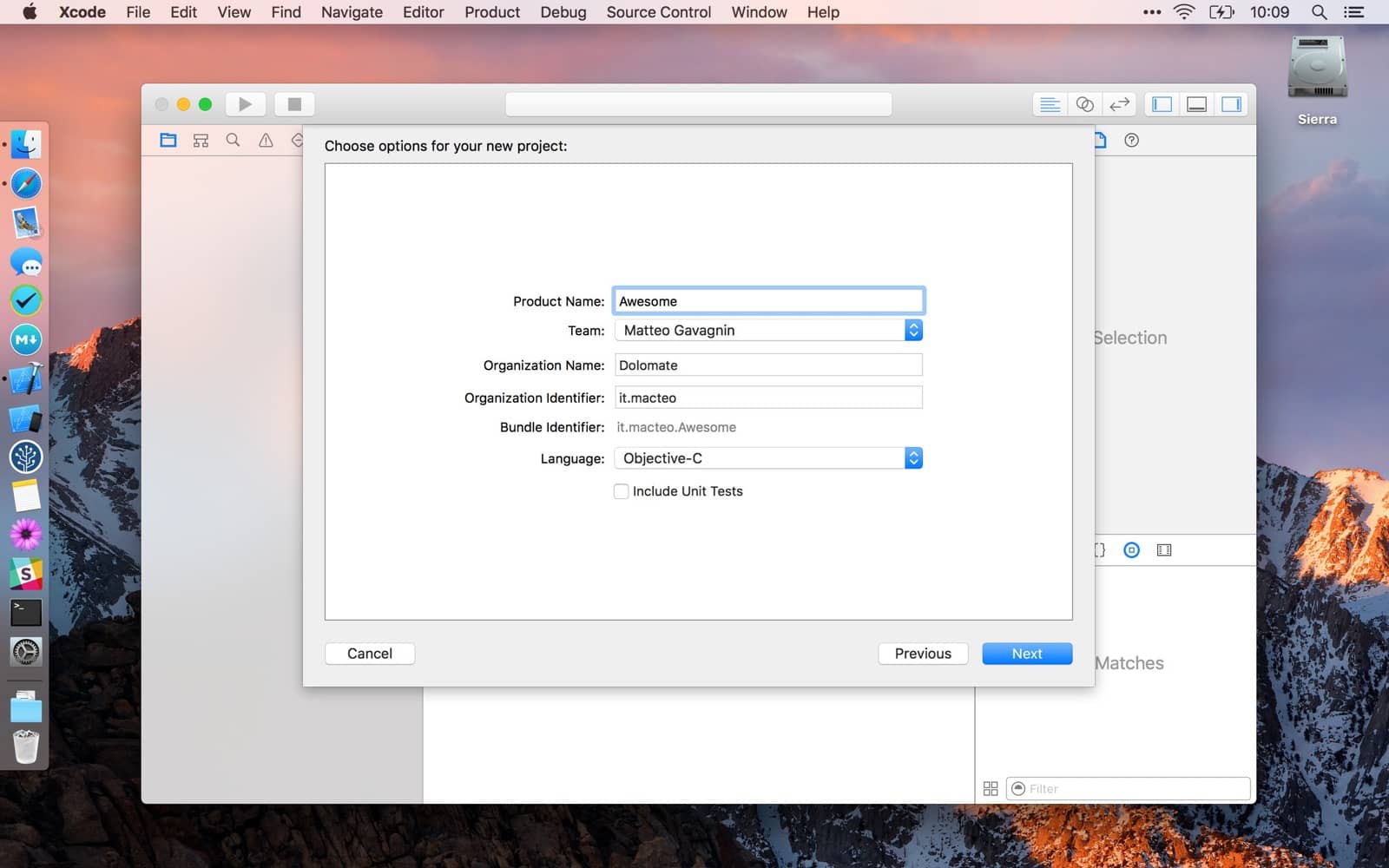
For redistributable libraries Objective-C is still the language-to-go. But you can also choose to write them in Swift if the host apps are willing to include the swift runtime.
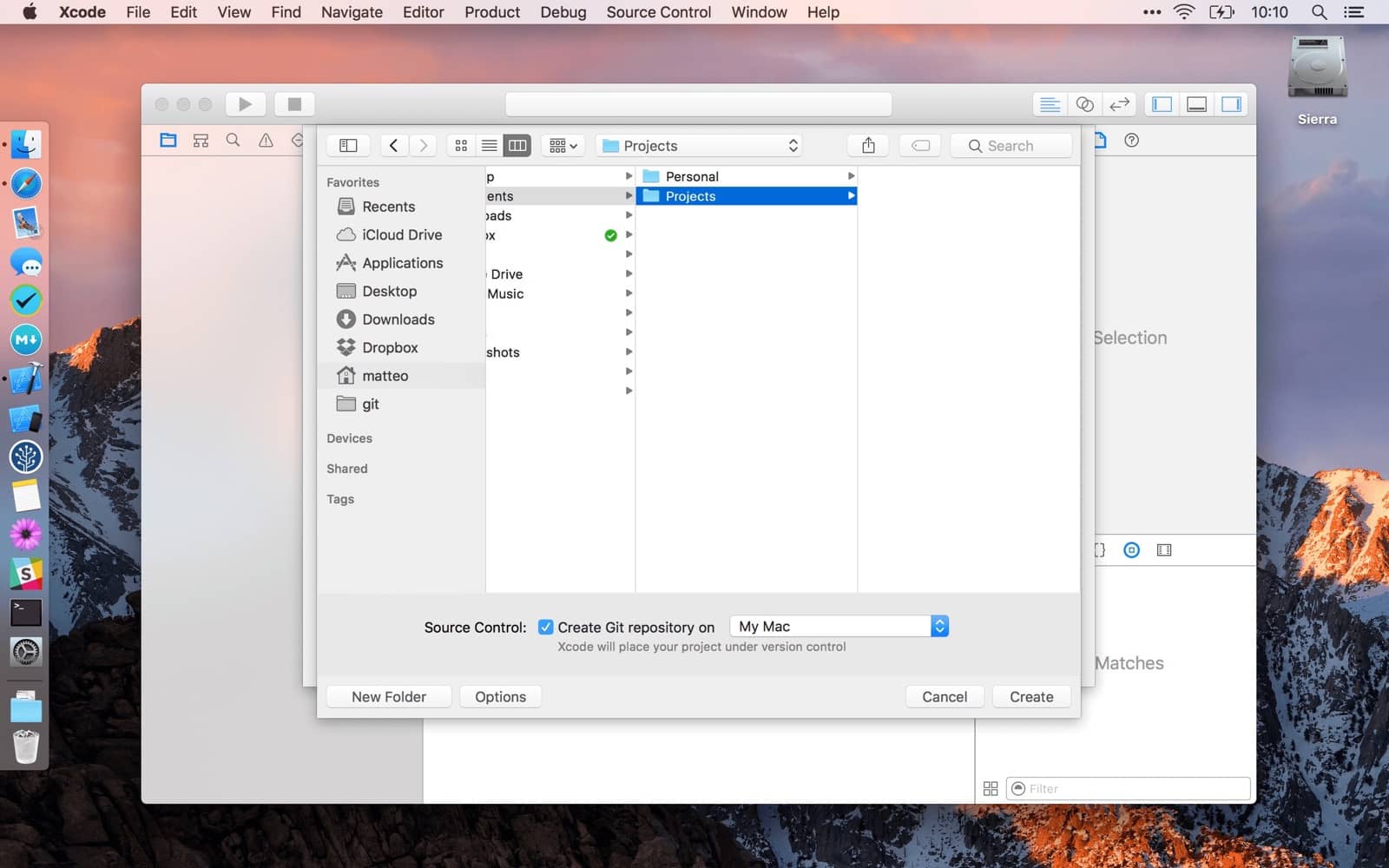
Set the right version, 0.1.0 is a good start point. Check the Allow app extension API only if you plan to use your framework from inside app extensions.
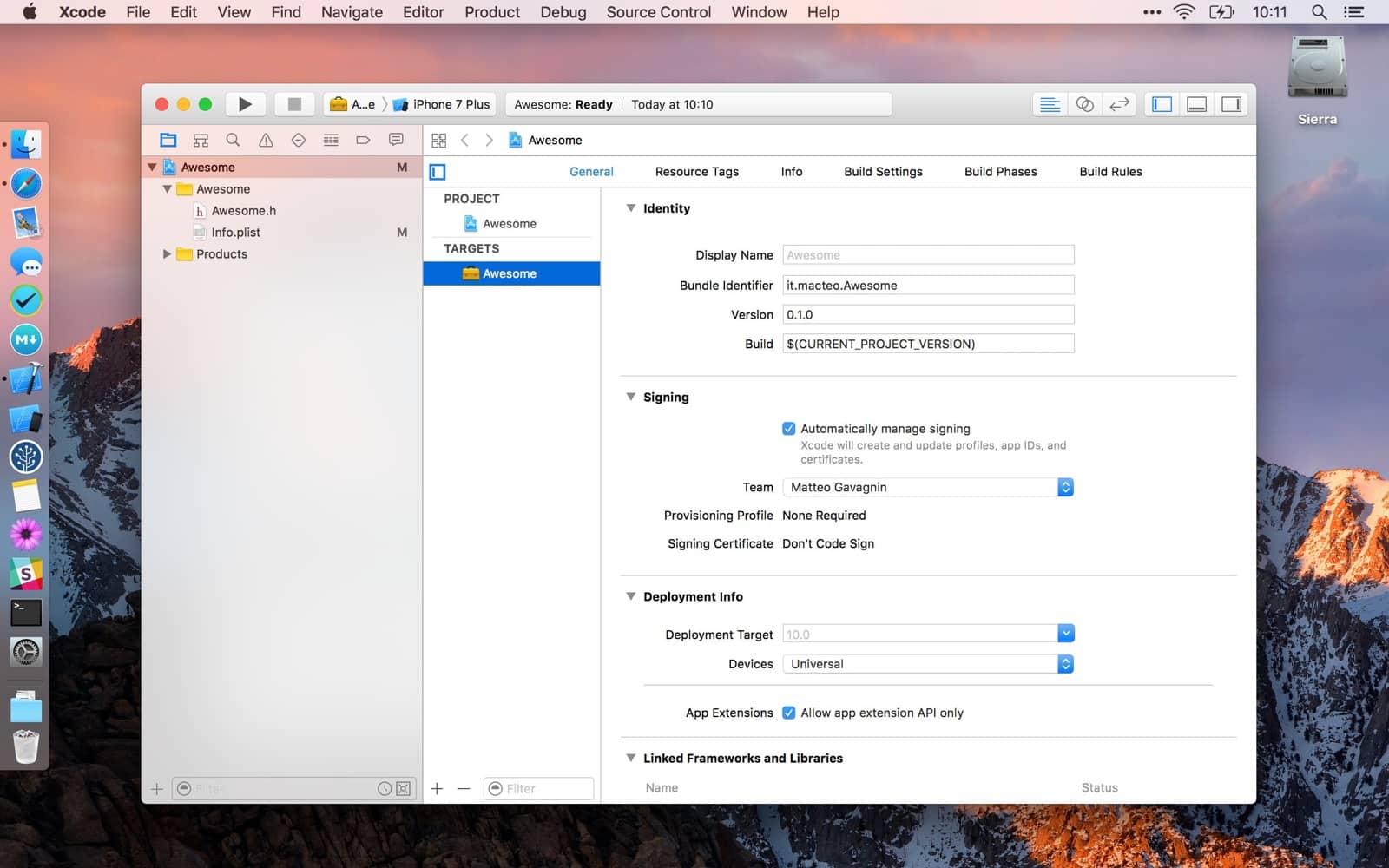
Create at least a new class.
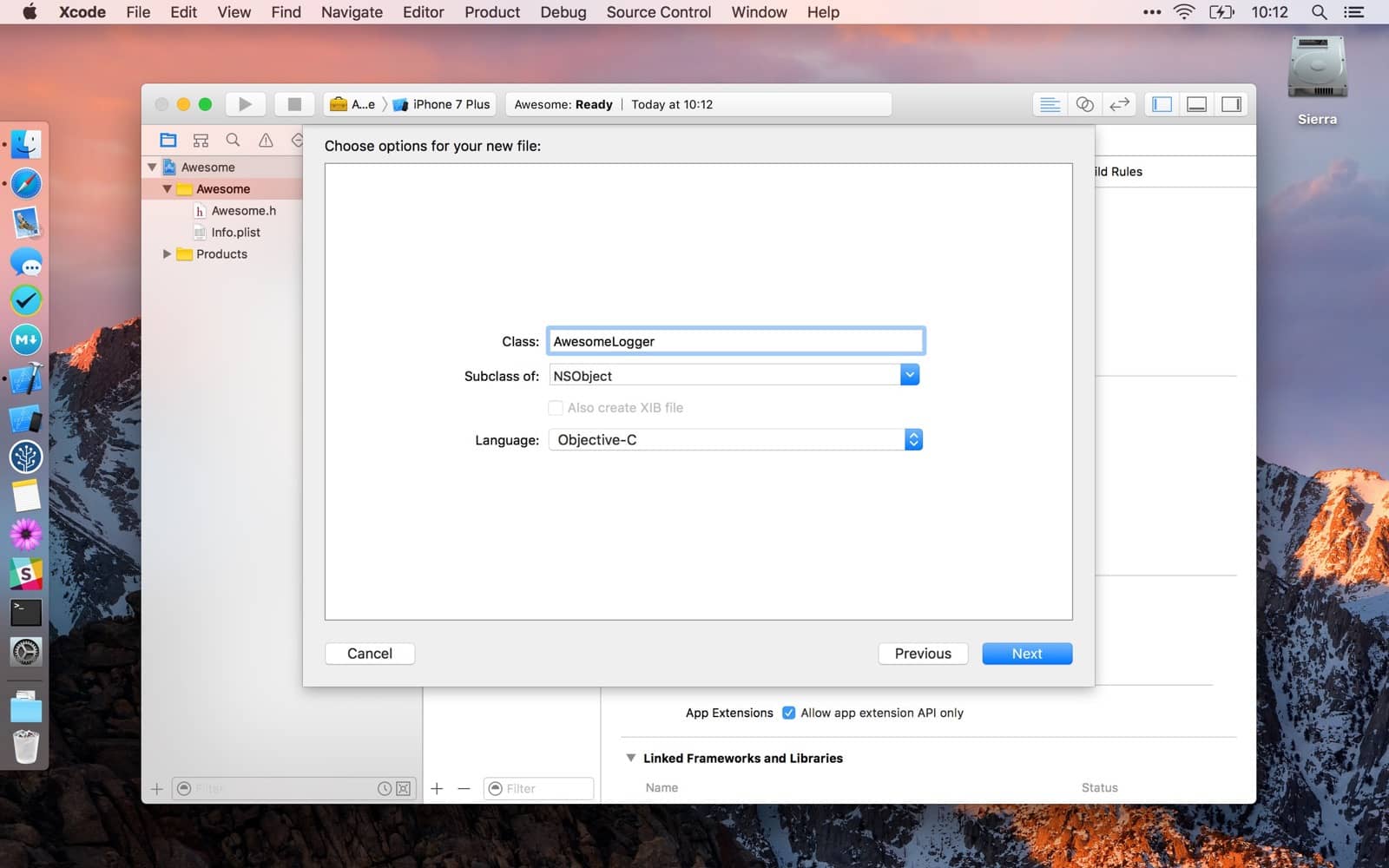
Populate the header file.
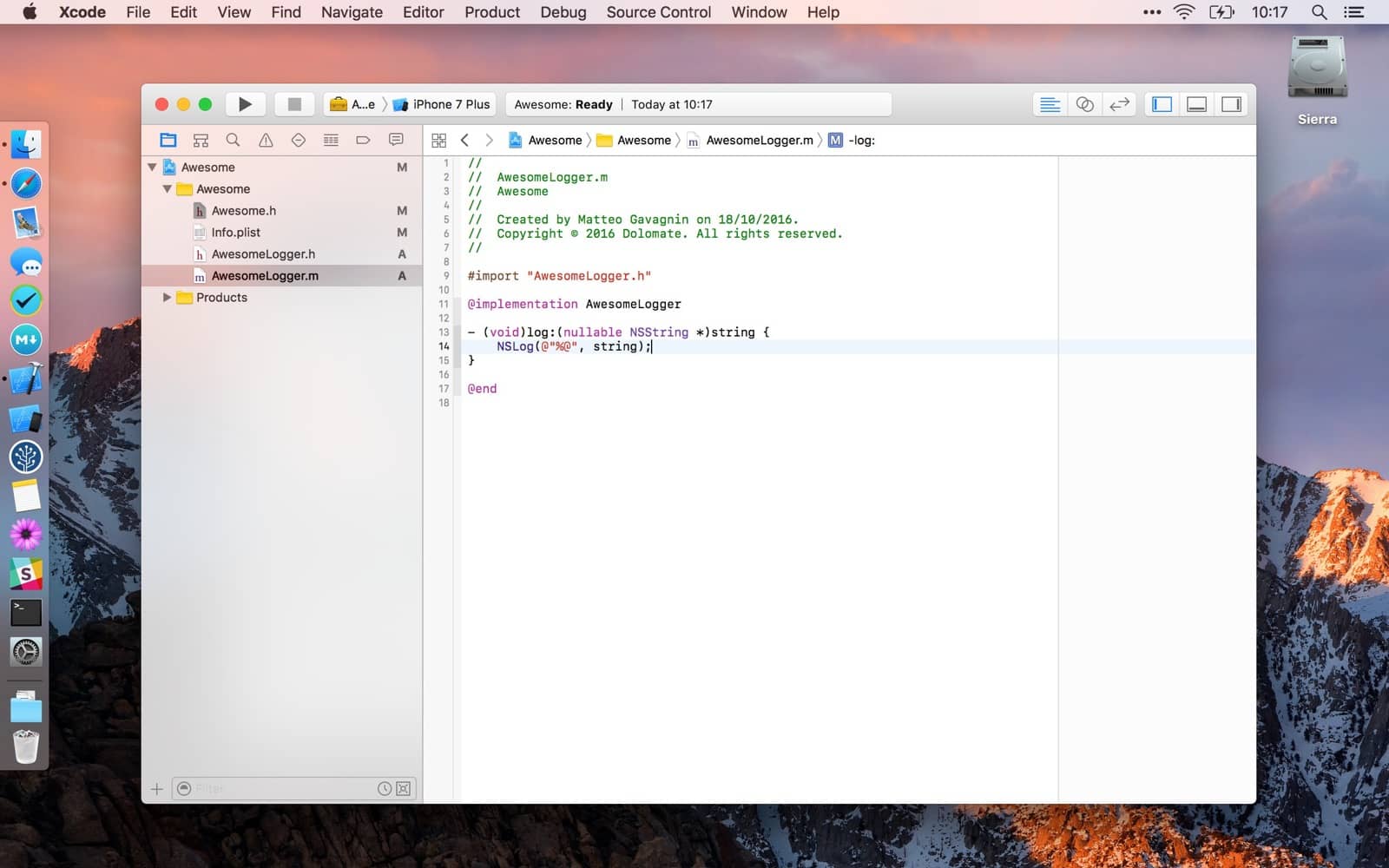
Implement the methods.
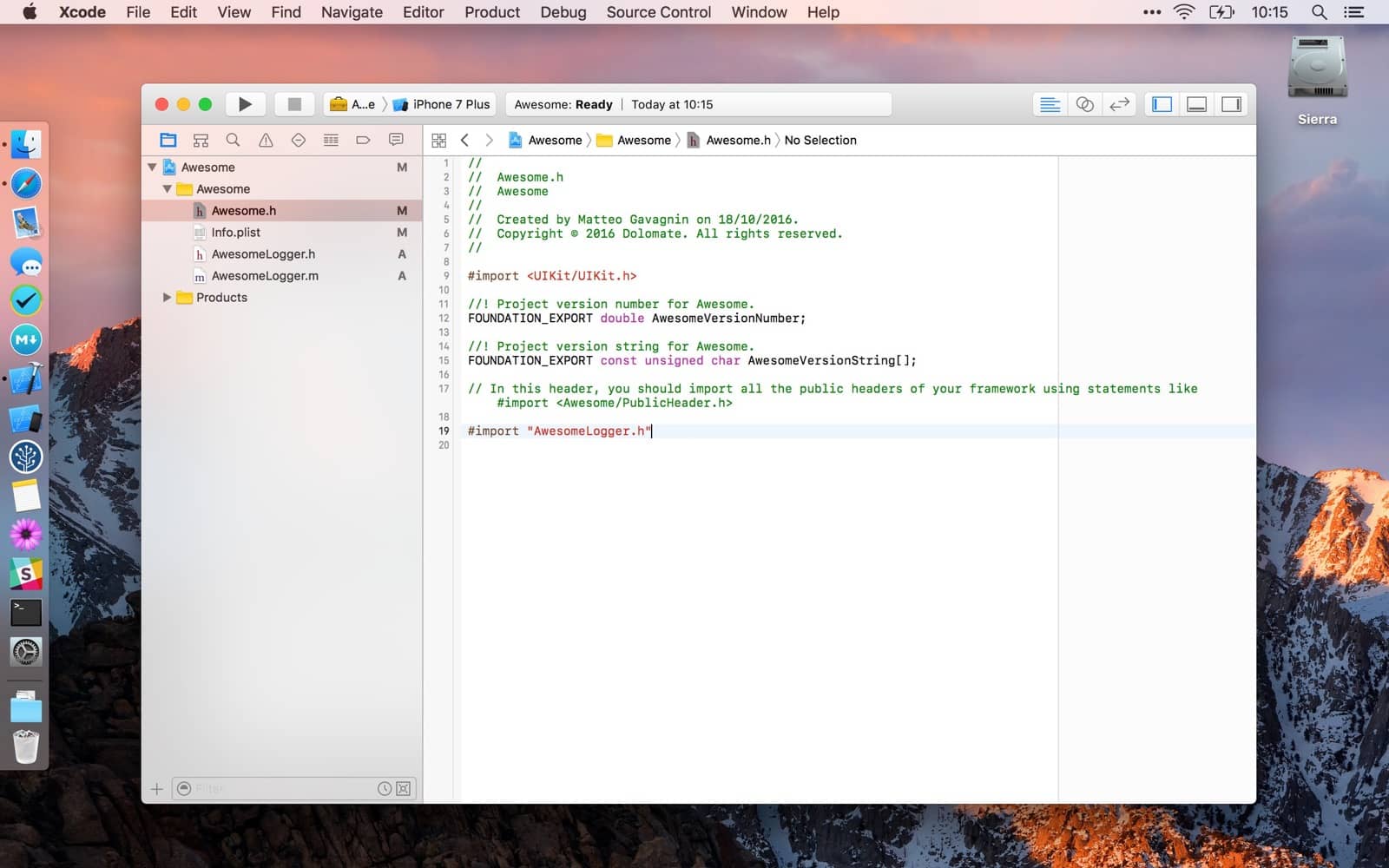
Import your header files in the Umbrella Awesome.h header file so they will be accessible.
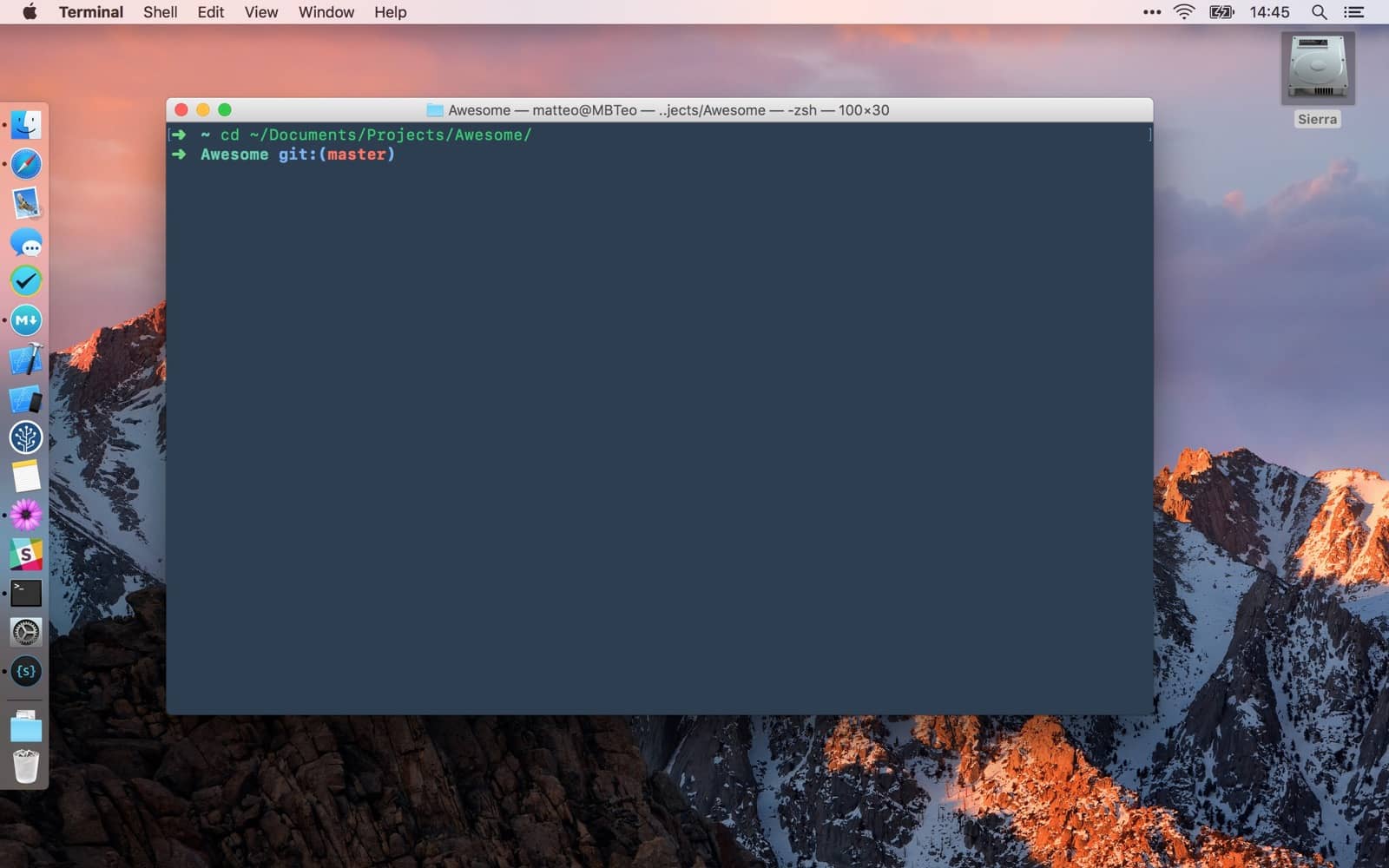
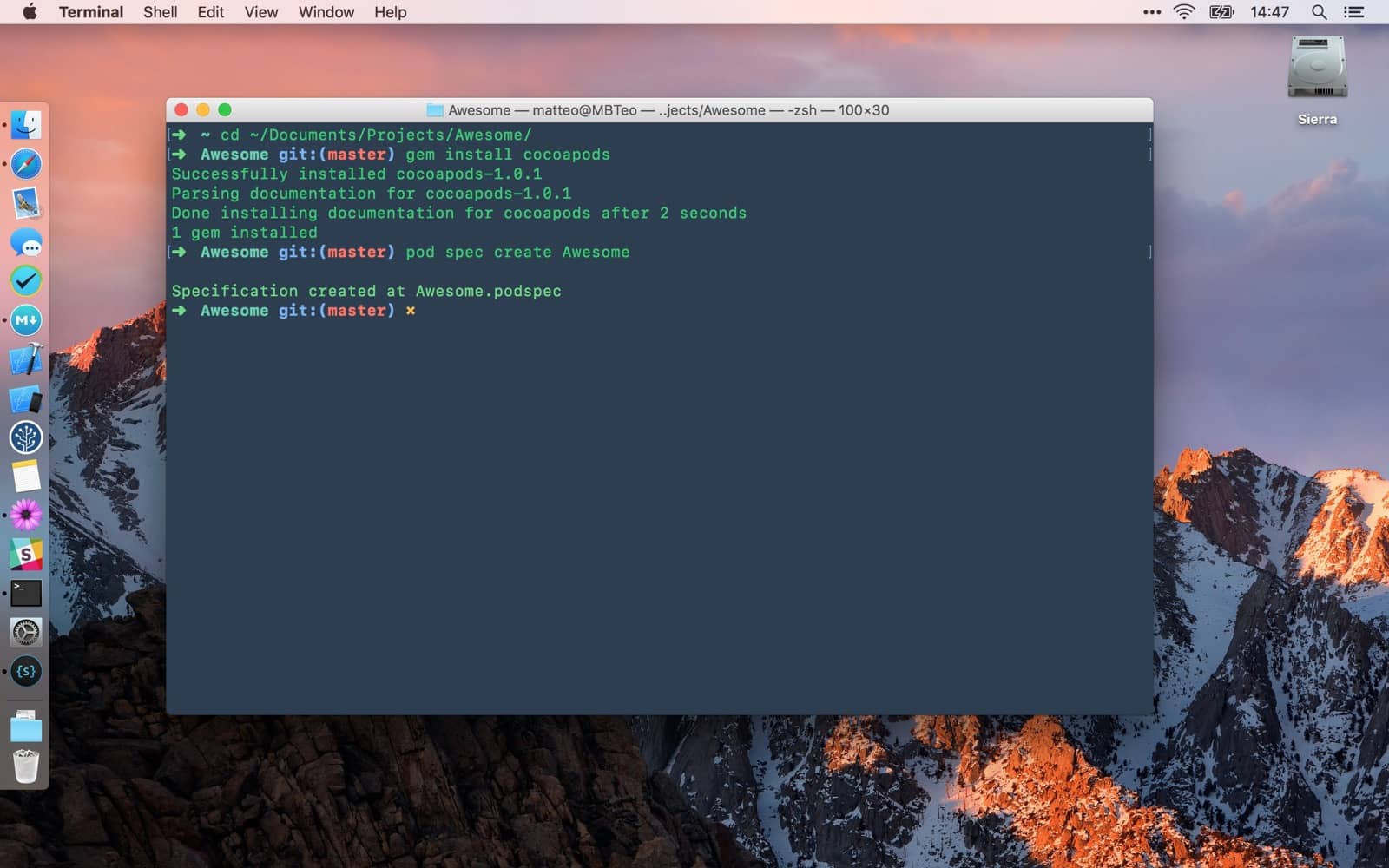
Open Terminal and move into the project folder, for example
cd ~/Documents/Projects/Awesome
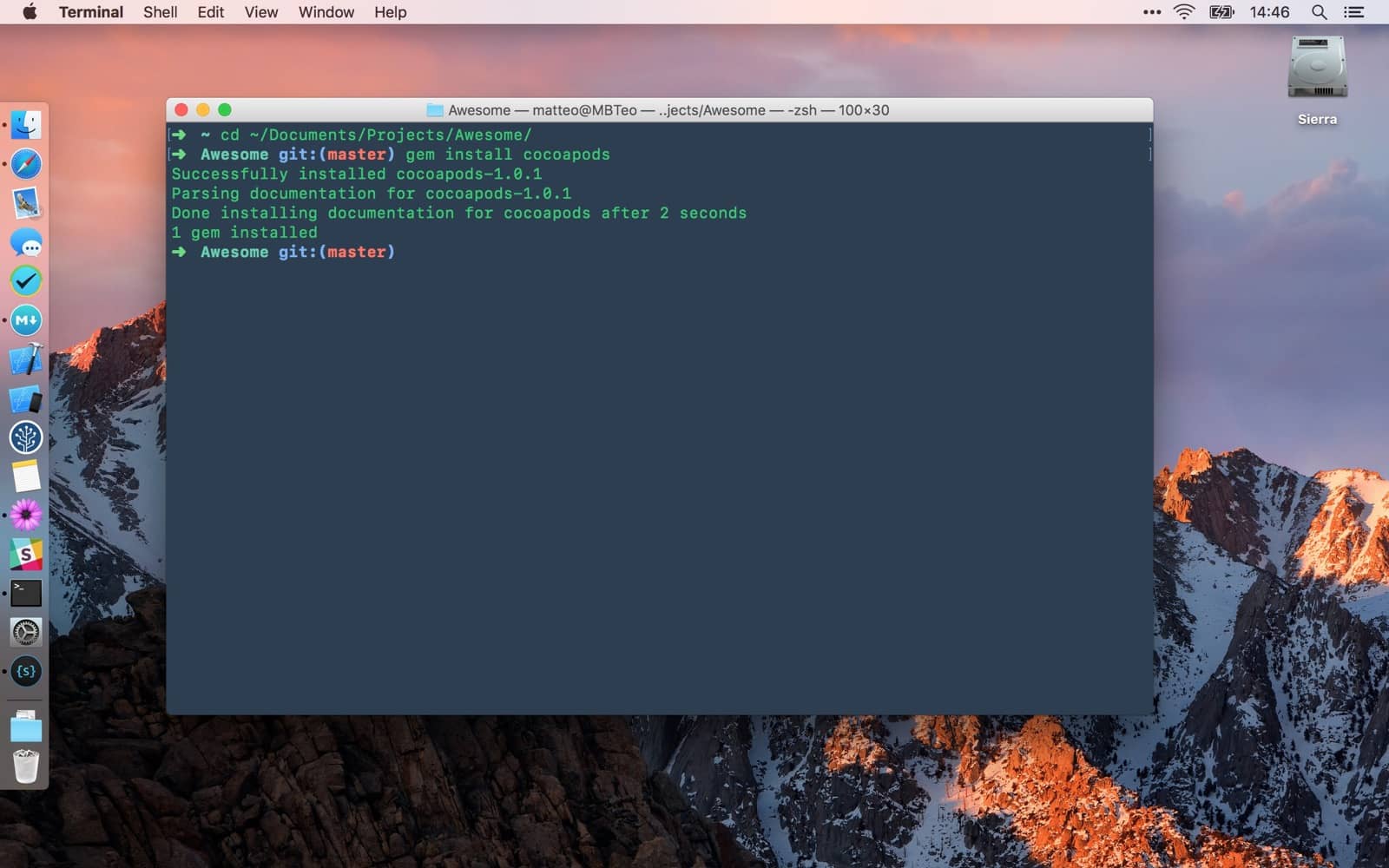
Install CocoaPods gem if you don’t have it already.
[sudo] gem install cocoapods
pod spec create Awesome
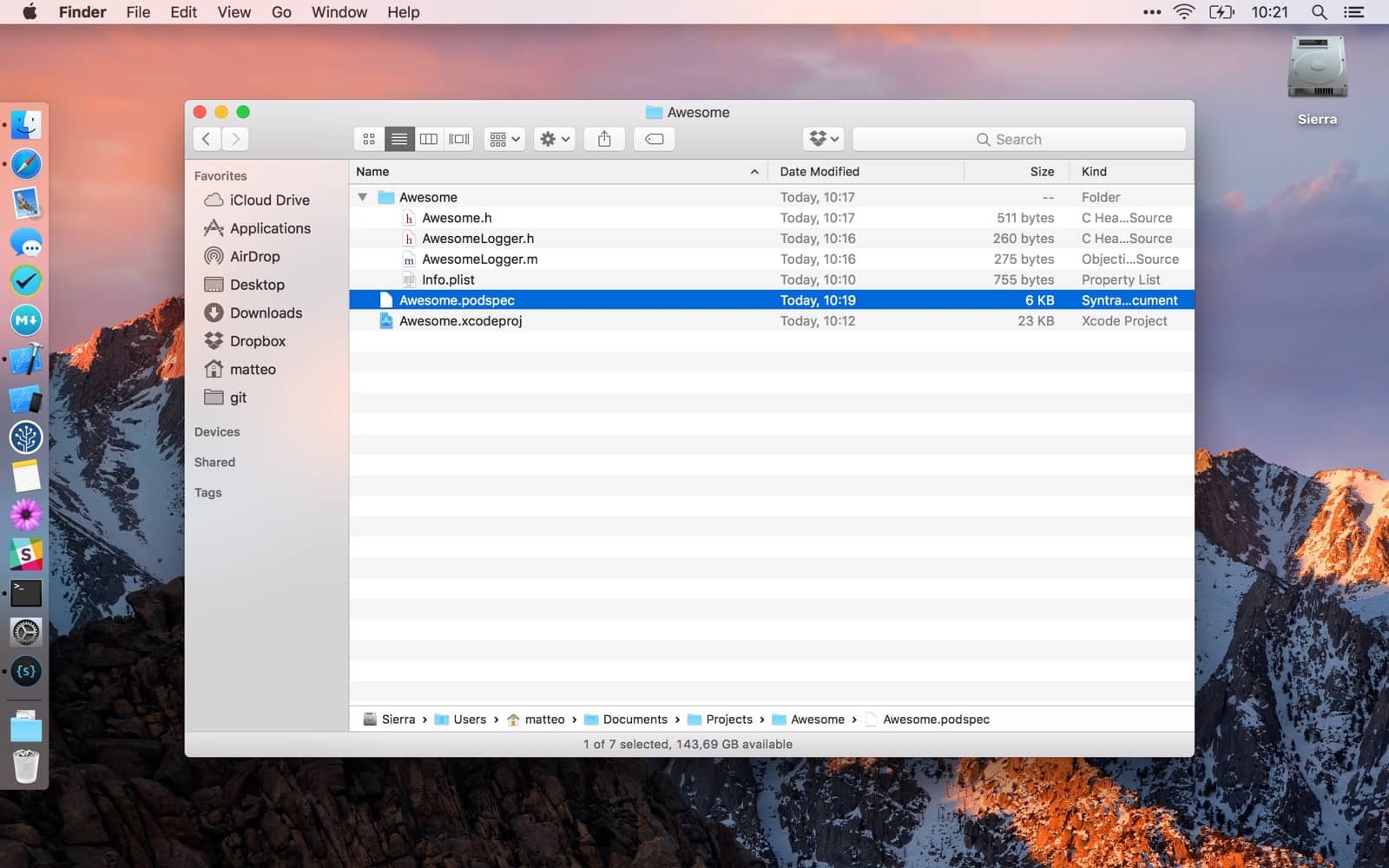
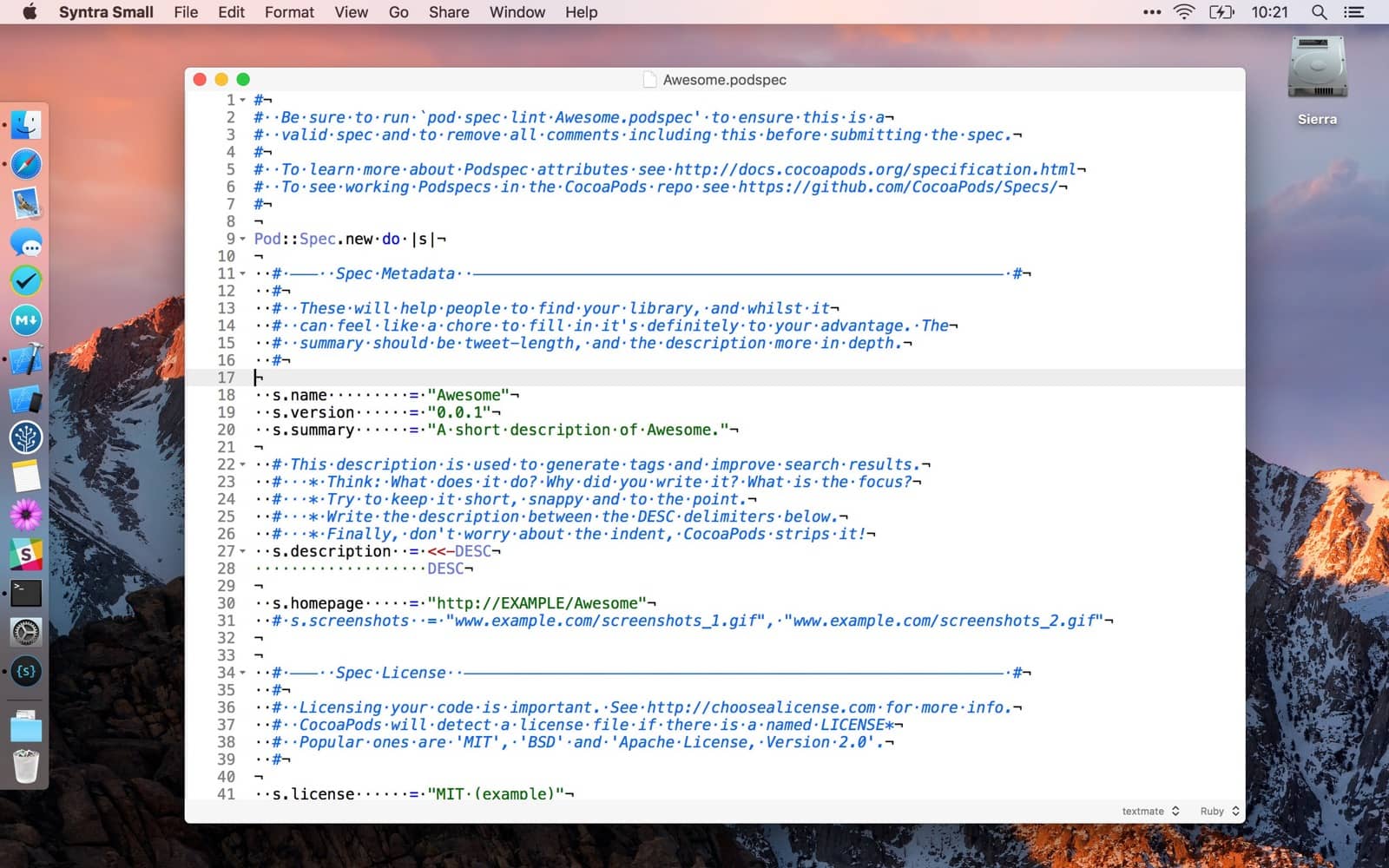
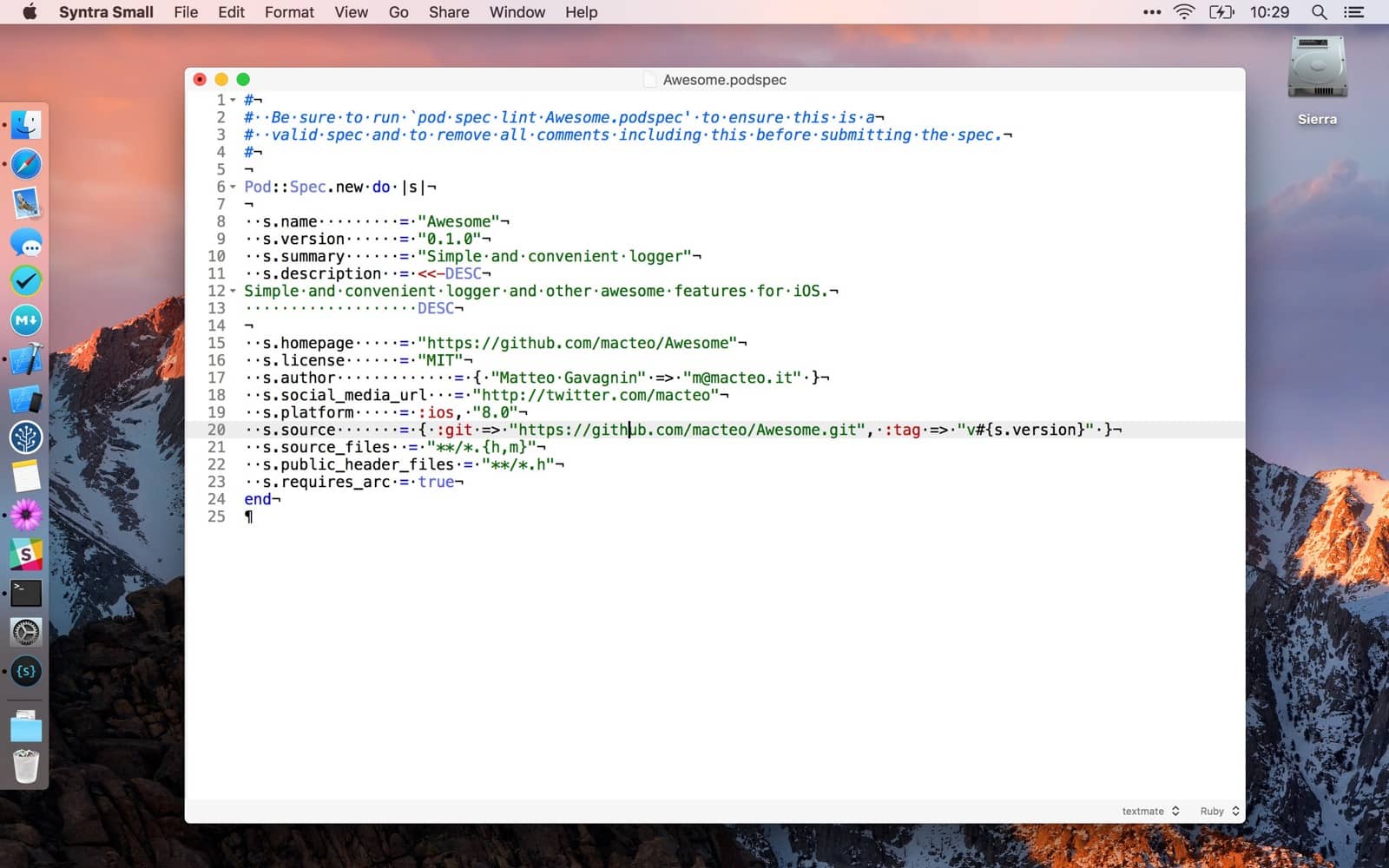
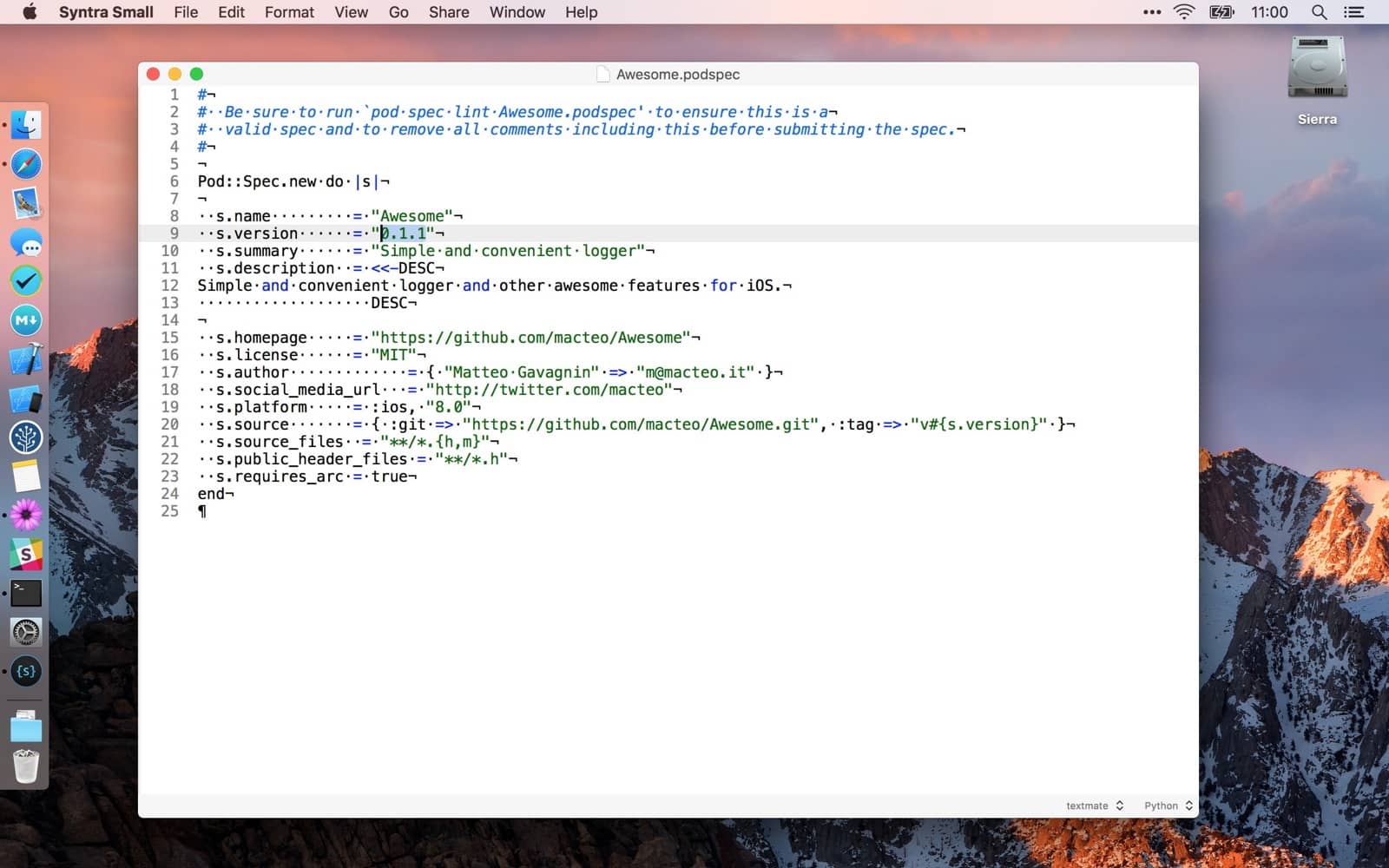
Edit Awesome.podspec
Add a license file
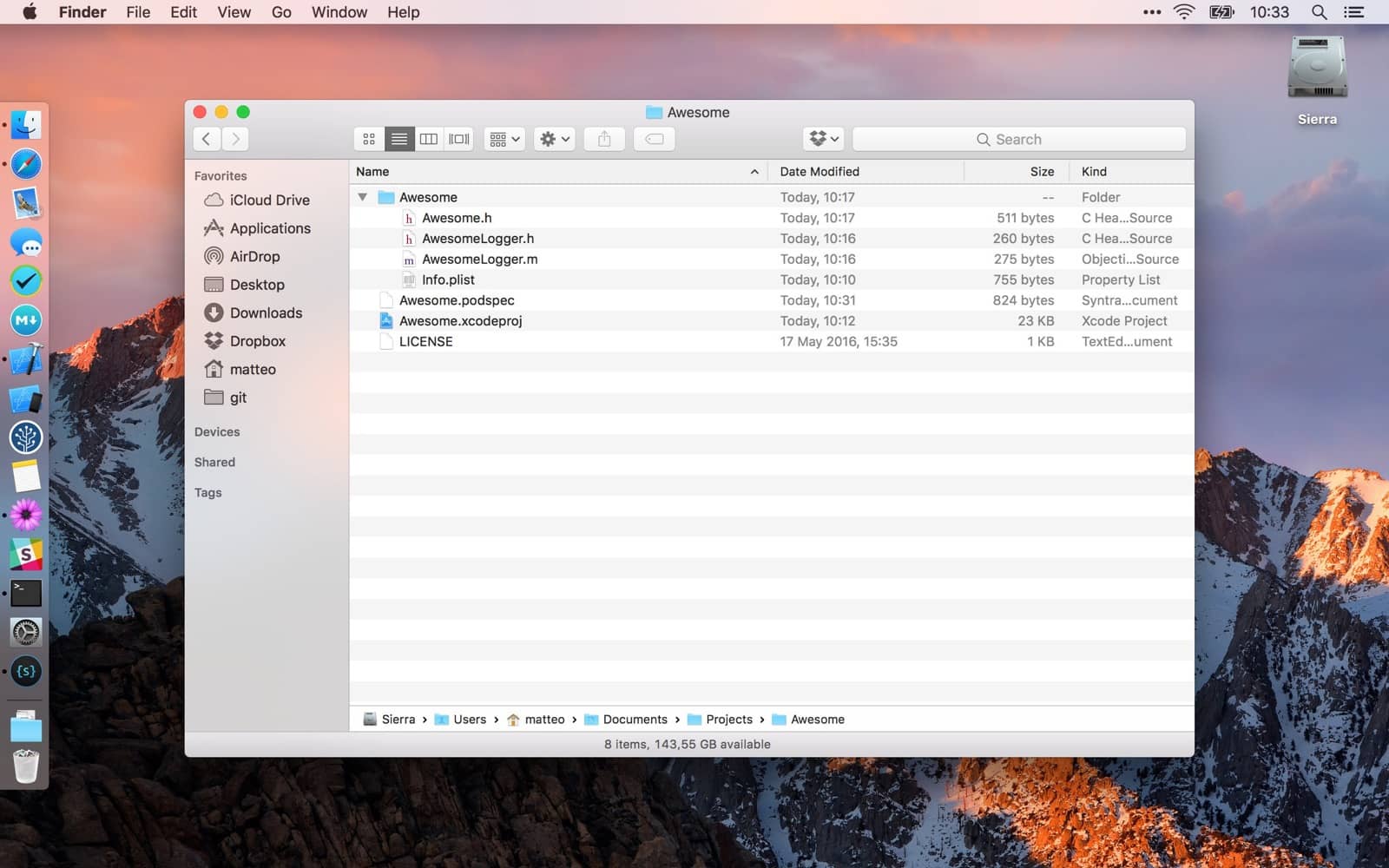
Create a remote repository and add it the local copy
git remote add origin git@github.com/macteo/Awesome.git
Commit and push
git push origin master
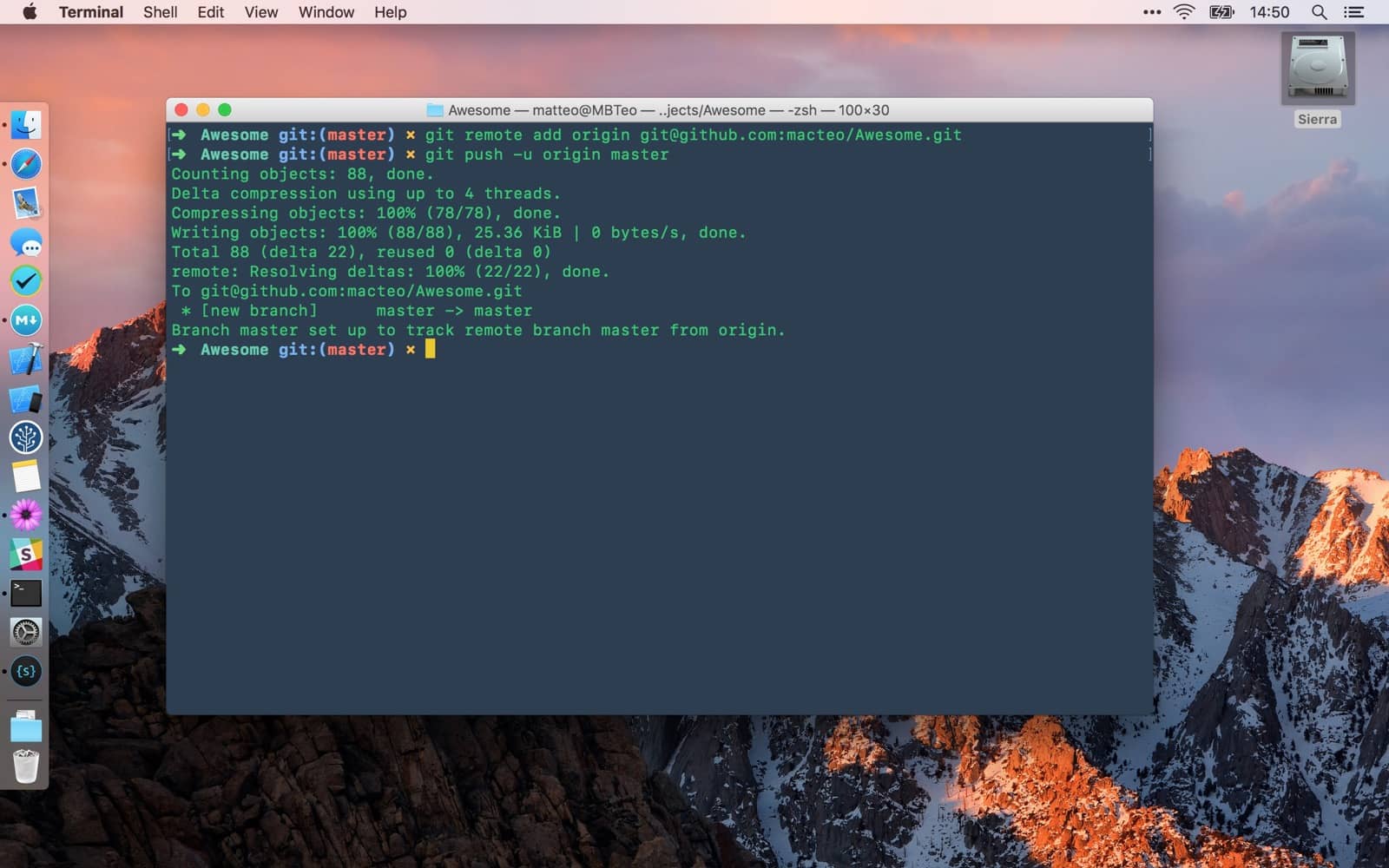
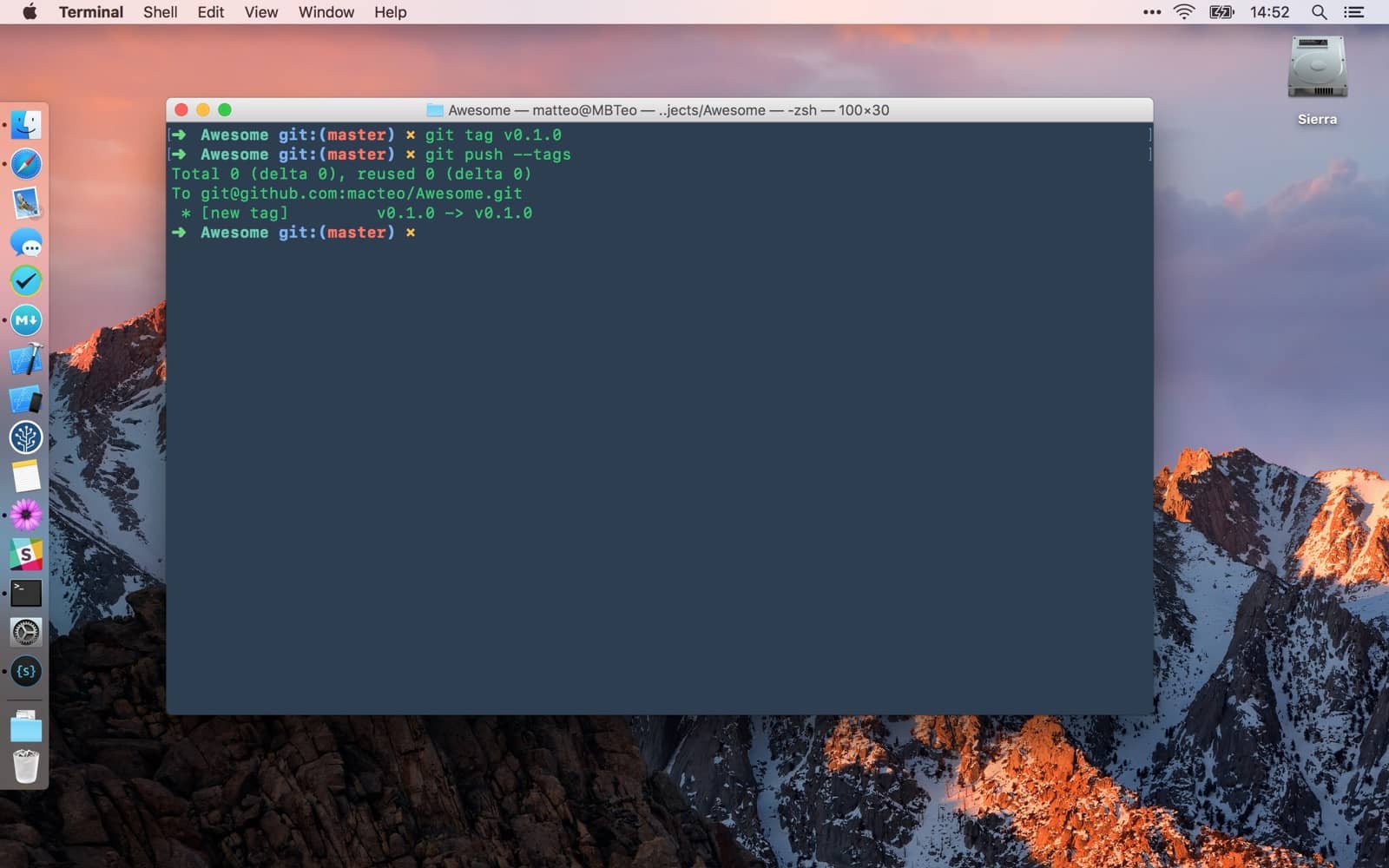
git tag v0.1.0
git push --tags
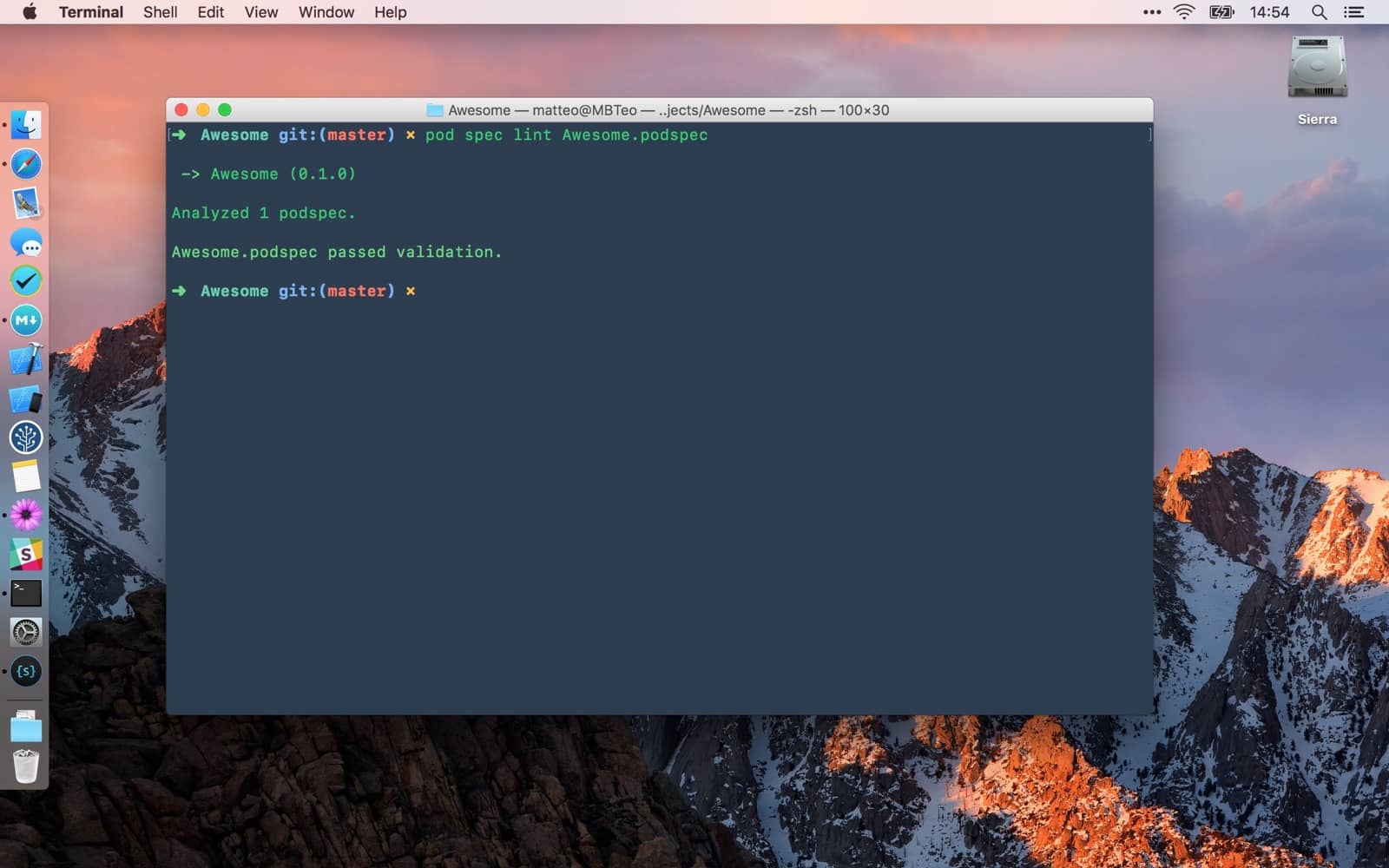
pod spec lint Awesome.podspec
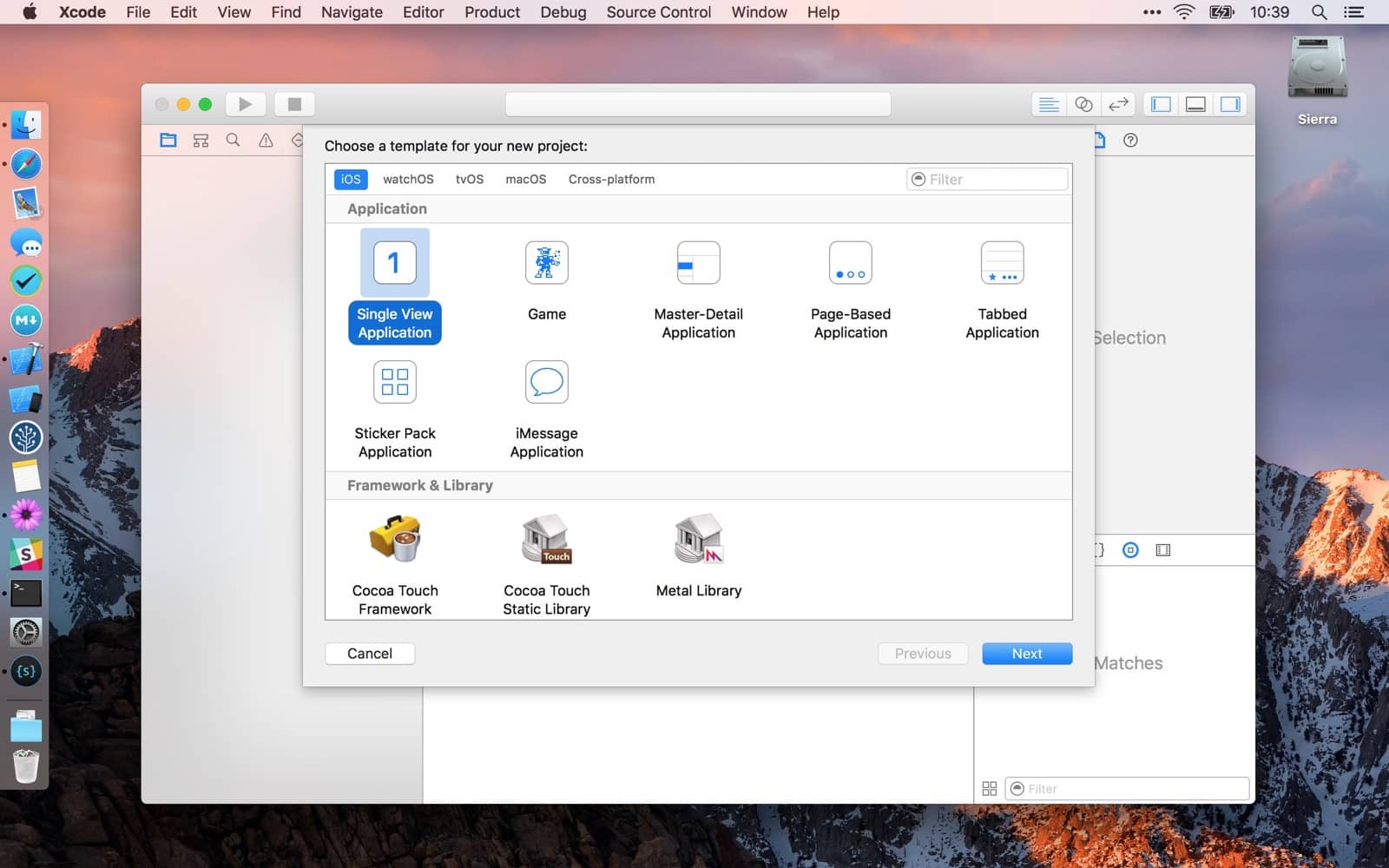
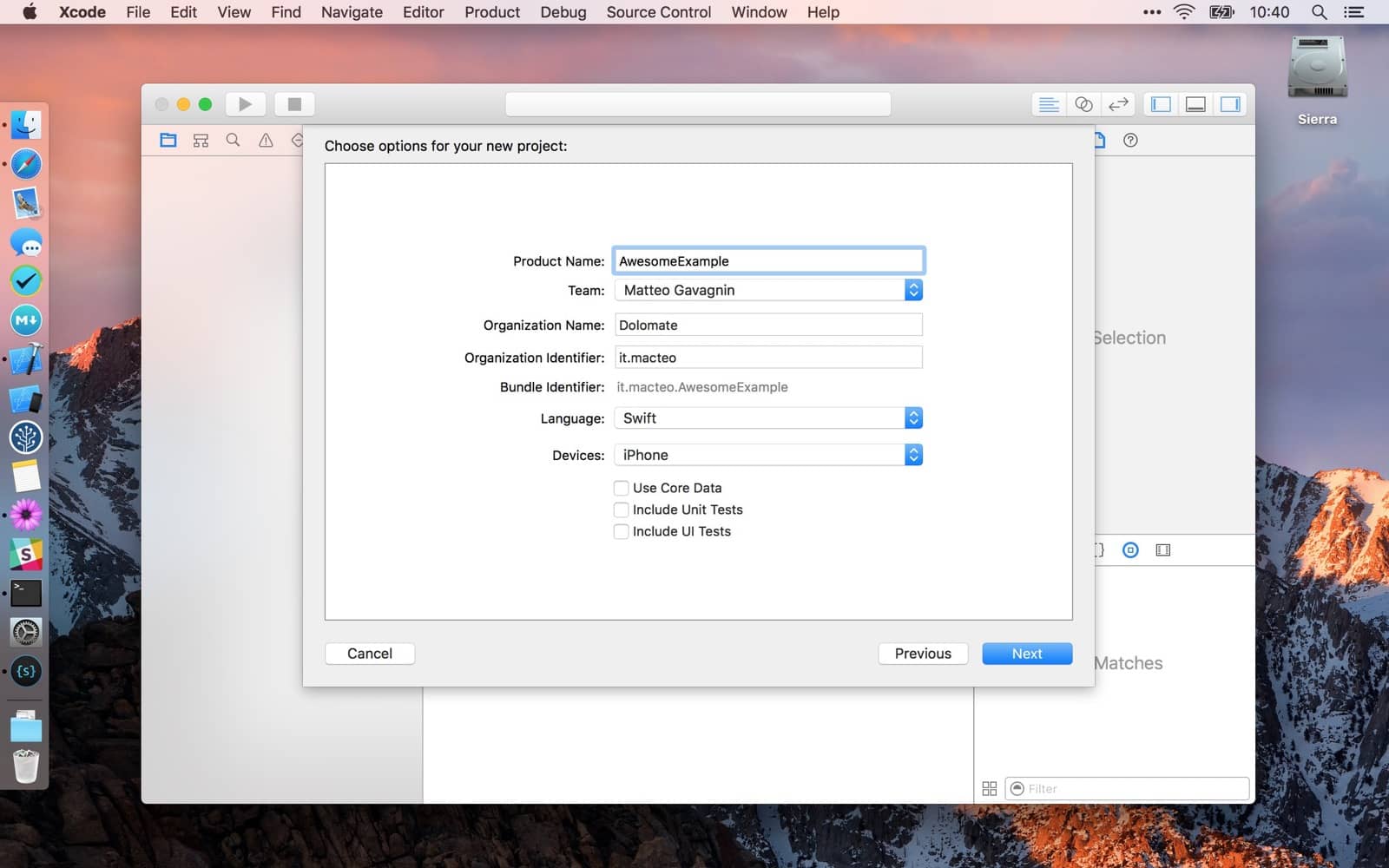
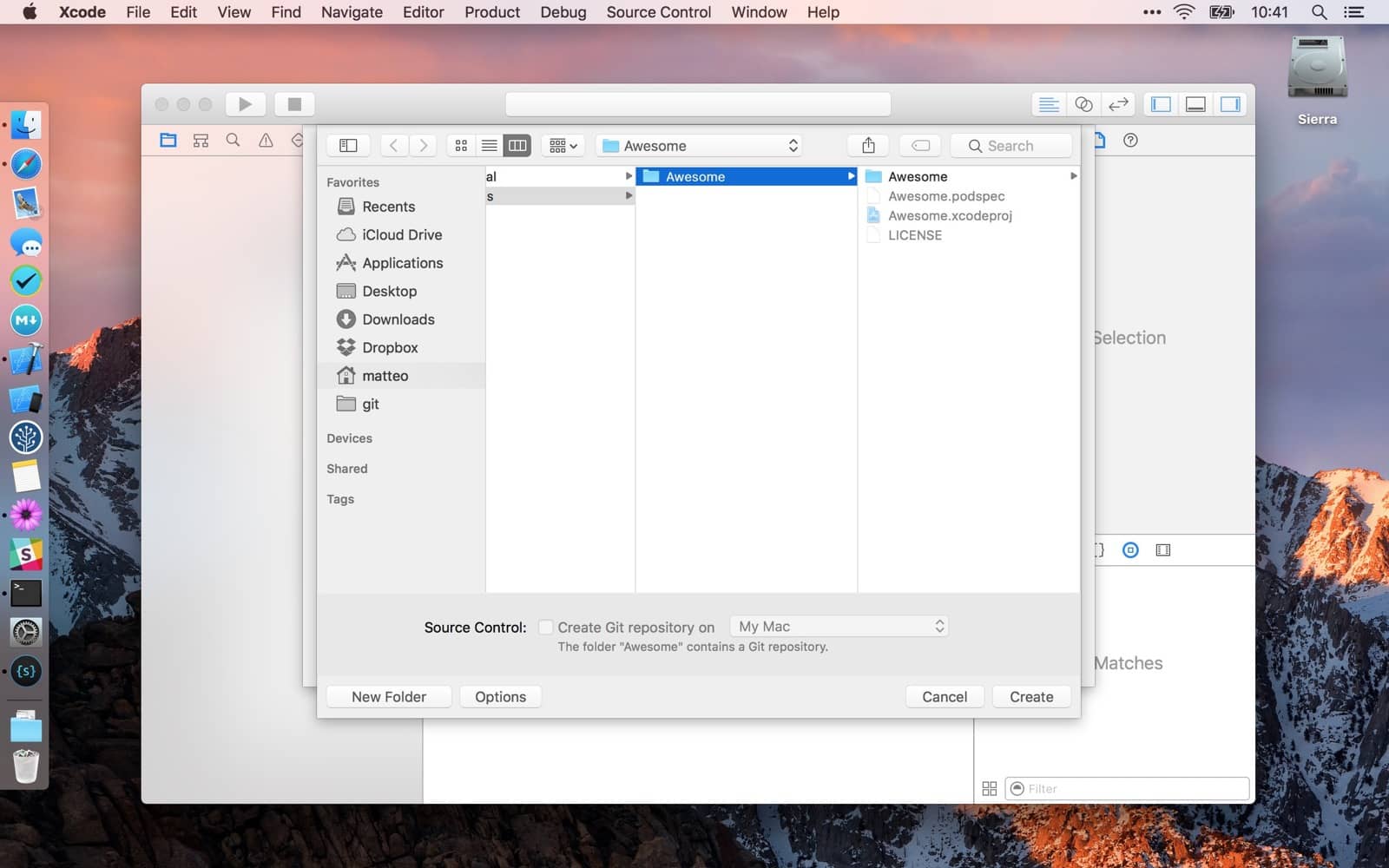
Create a sample project inside the main folder.
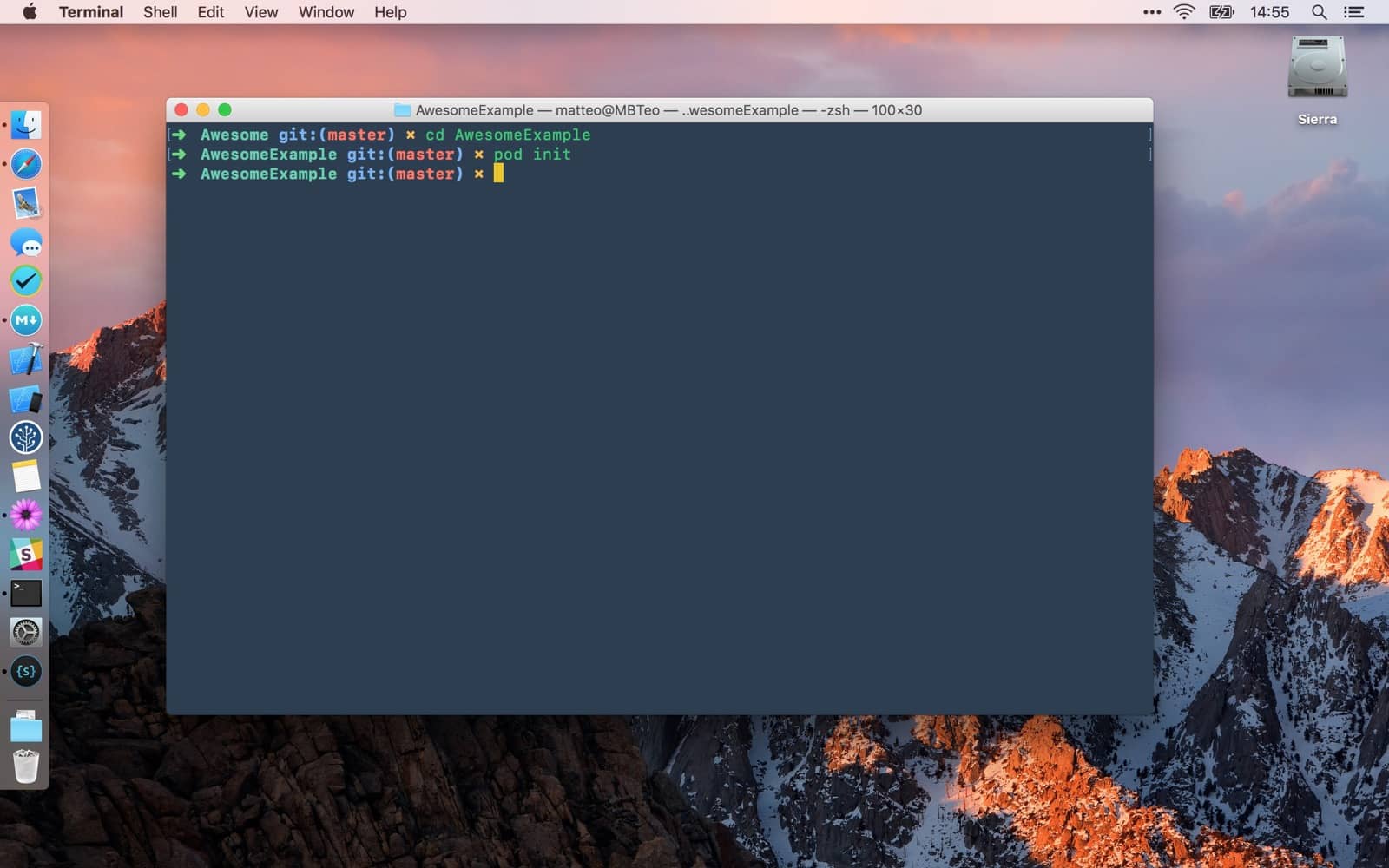
cd AwesomeExample
pod init
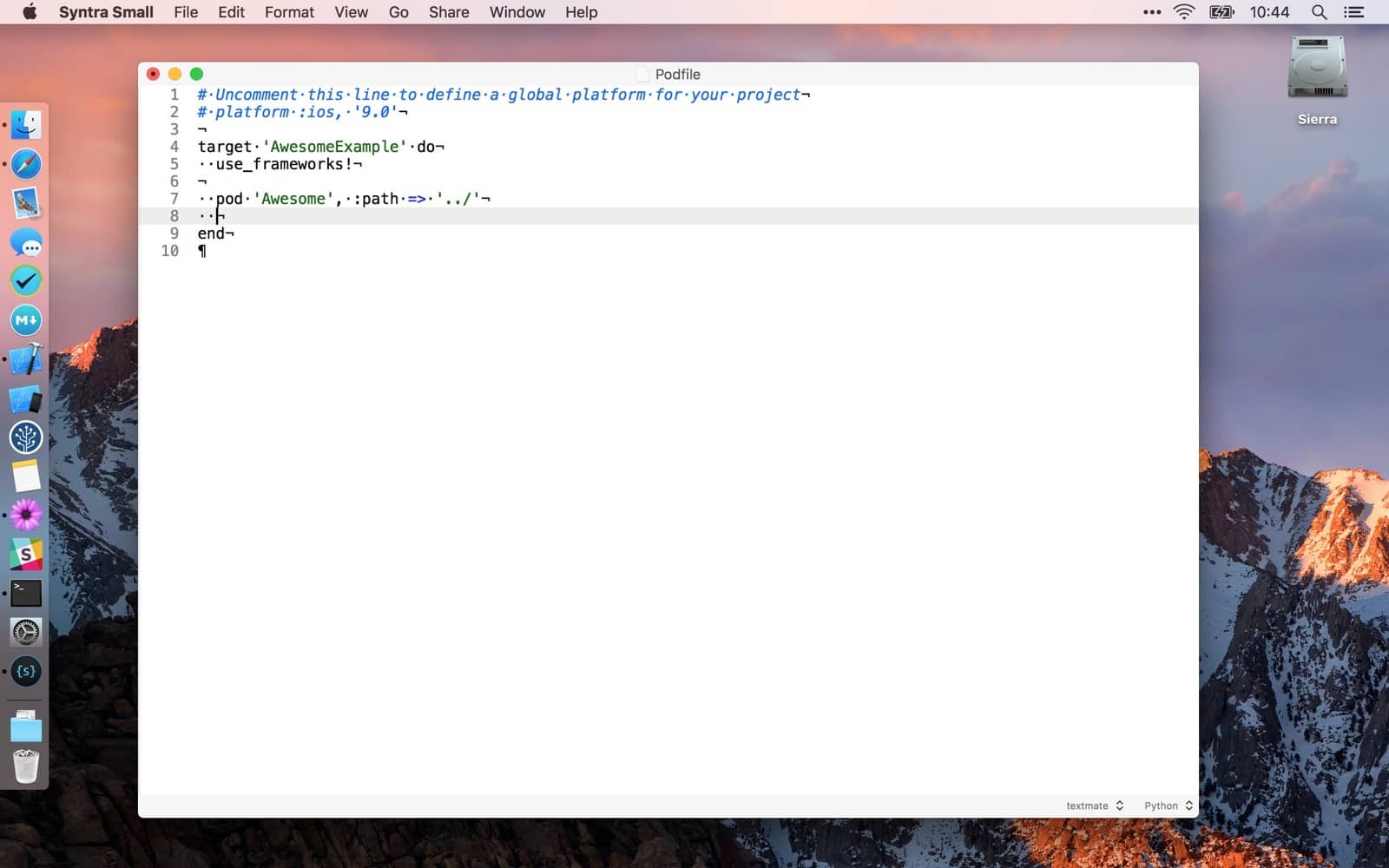
Edit podfile to include the previously defined podspec. We use relative path for the example project.
pod 'Awesome', :path => '../'
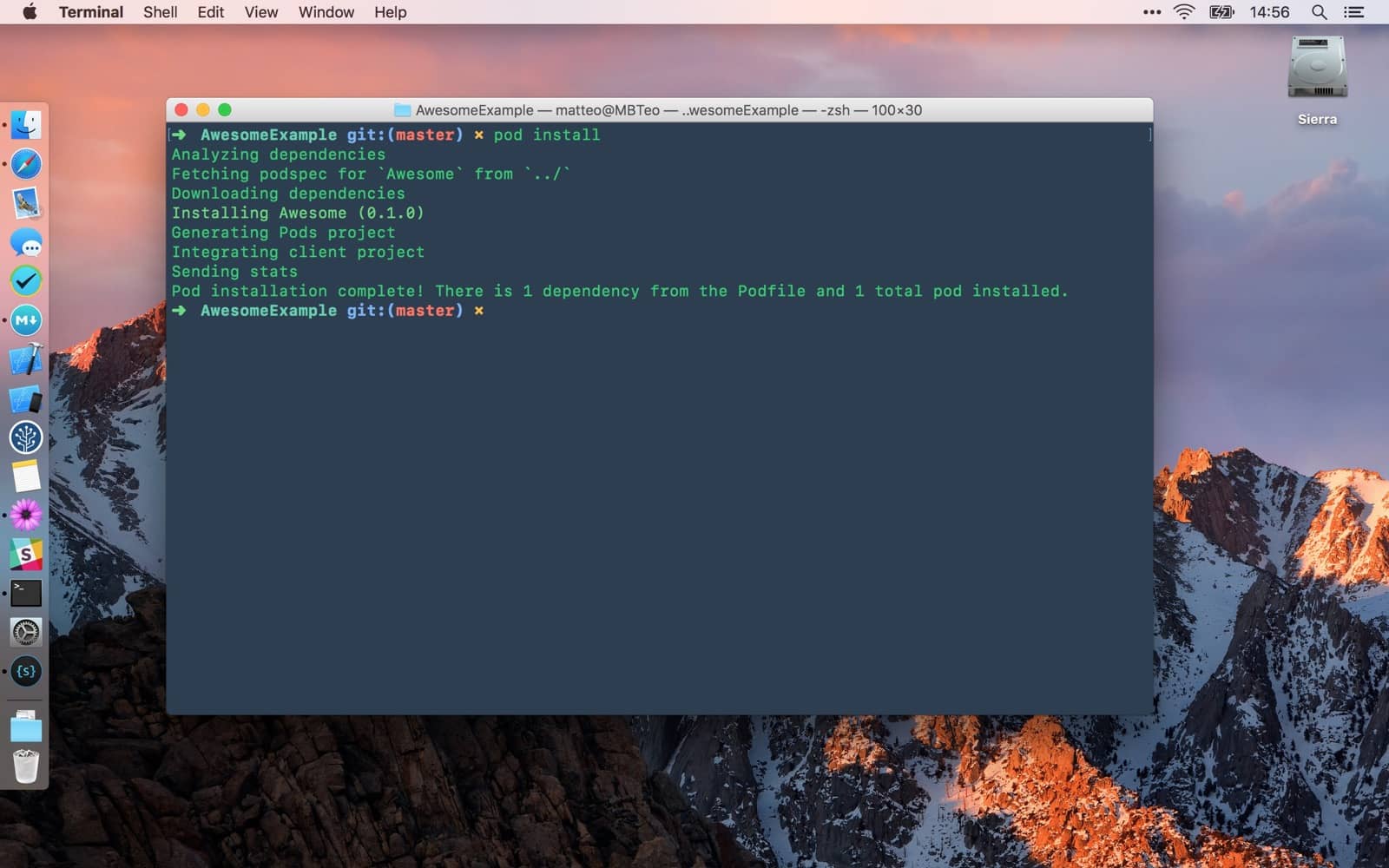
pod install
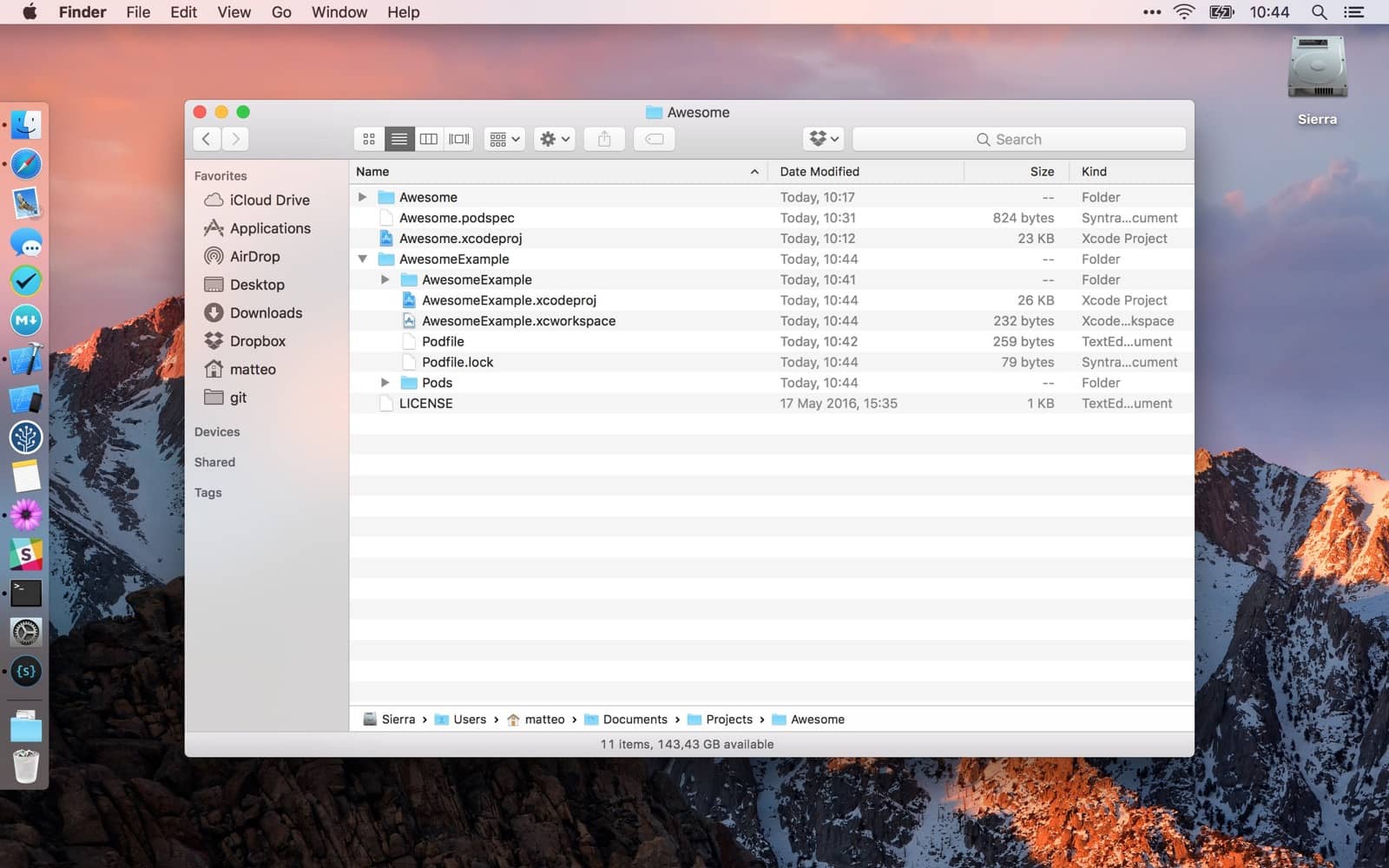
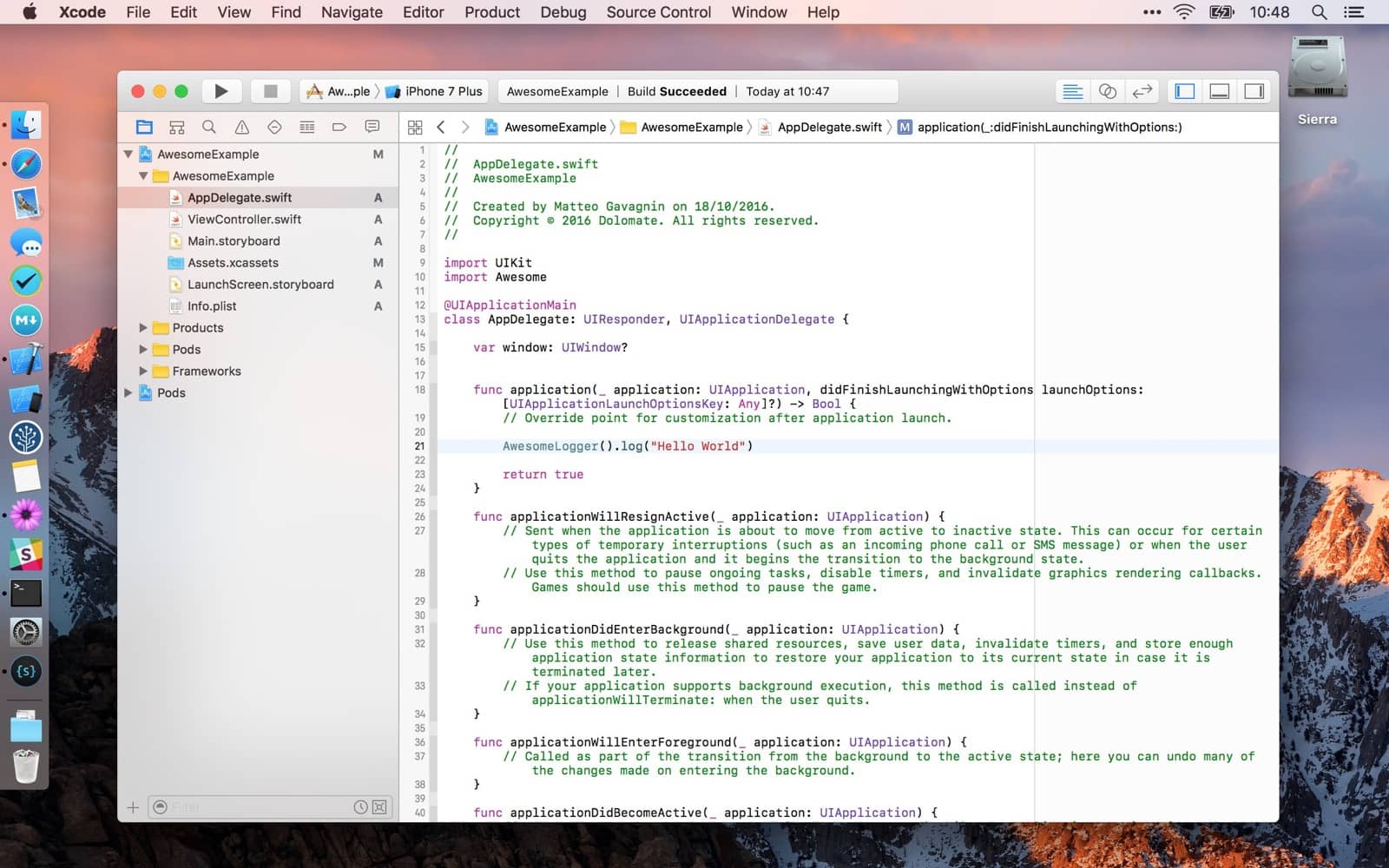
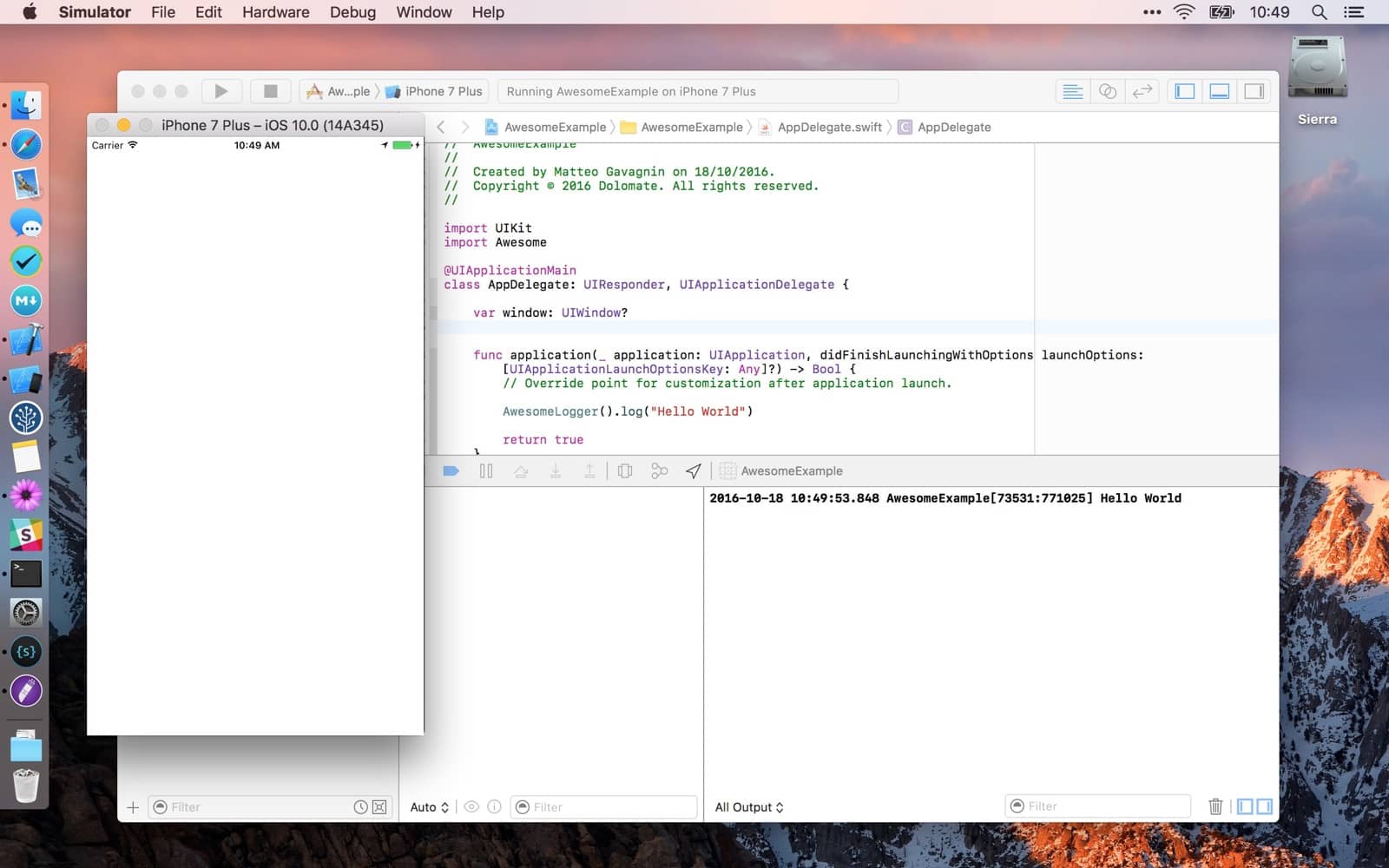
Build so the dependencies are prepared
import Awesome
AwesomeLogger().log("Hello World")
Edit Awesome.podspec and bump version number.
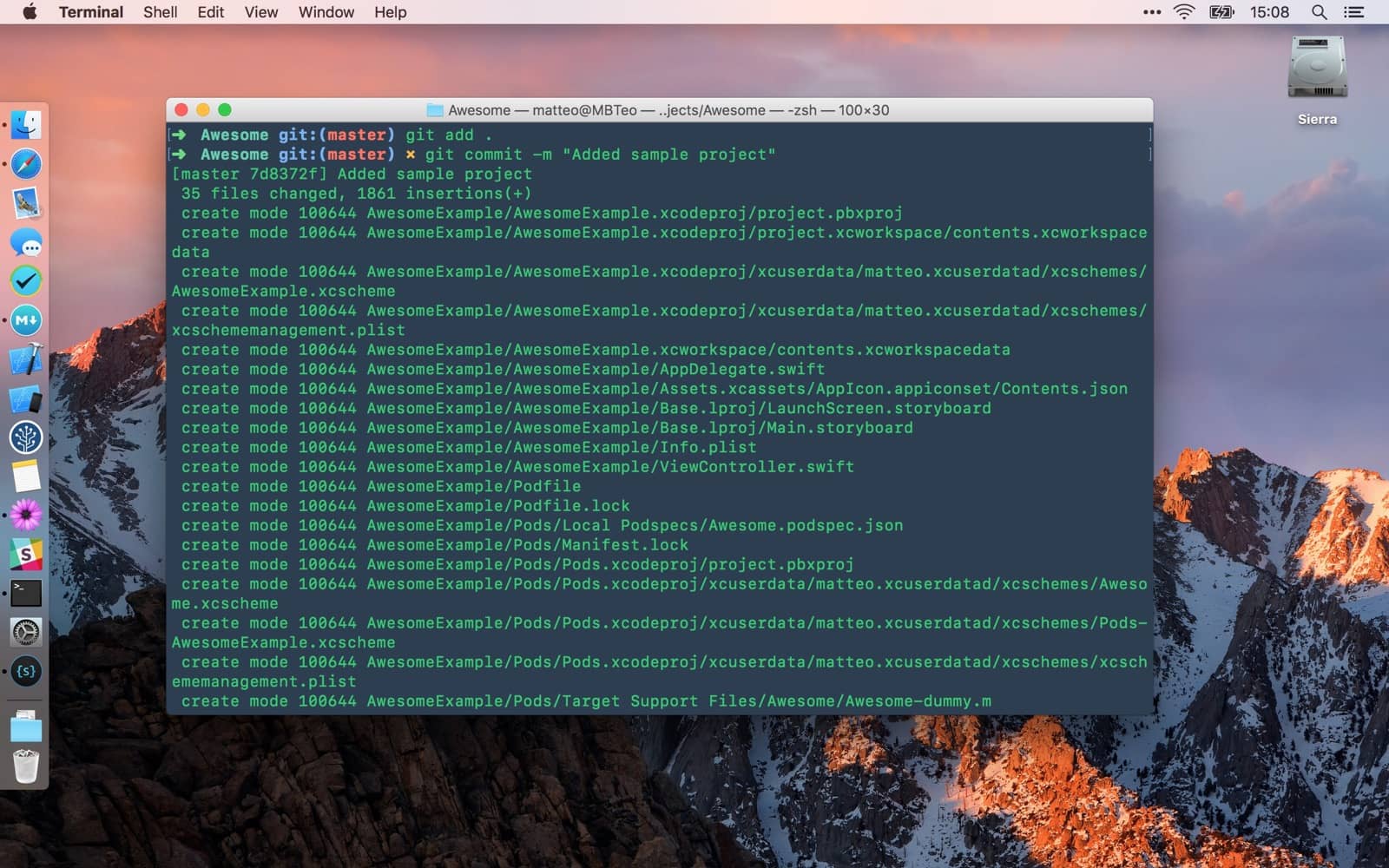
Add sample project files, commit, push and tag.
git add .
git commit -m "Added sample project"
git push origin master
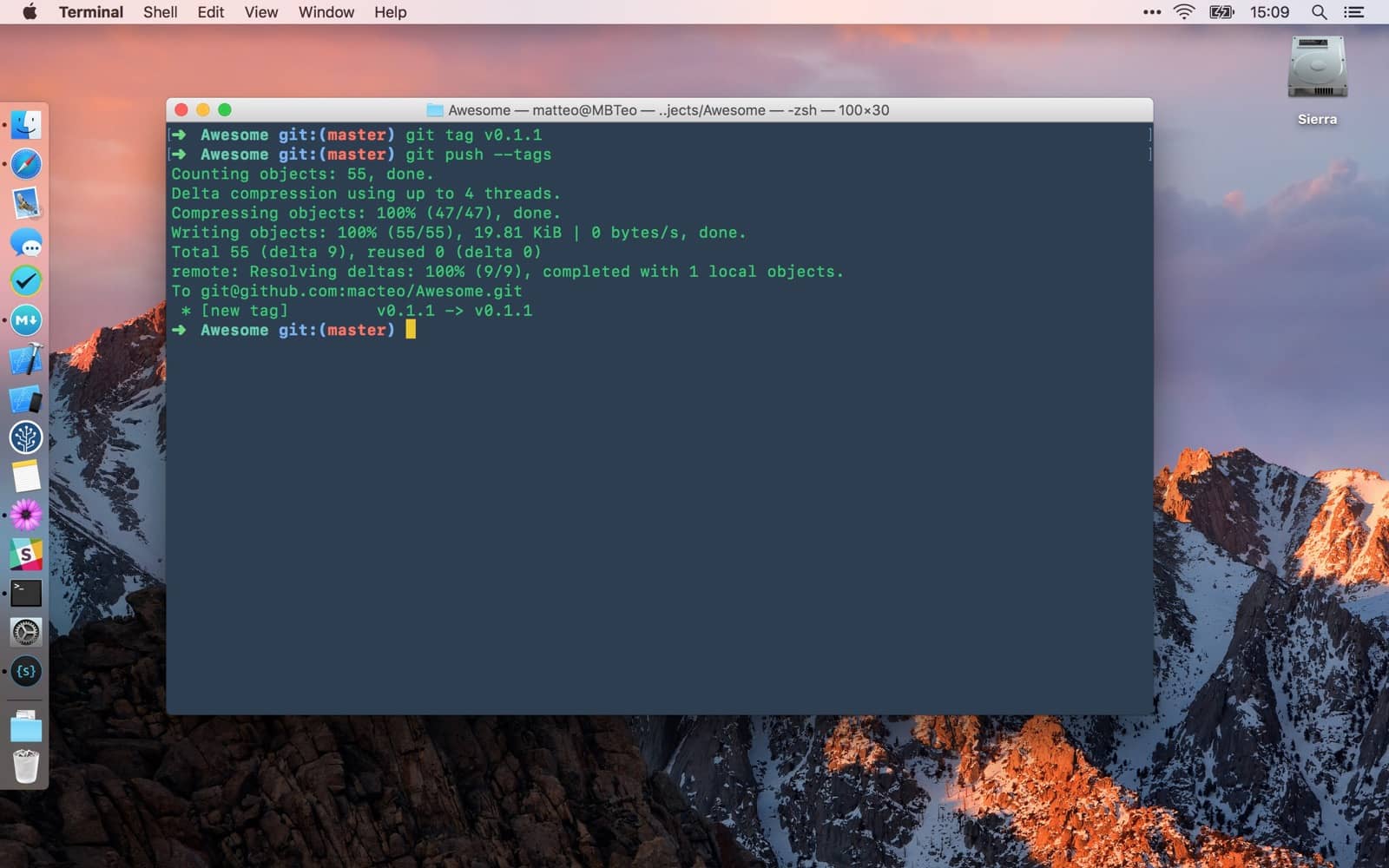
git tag v0.1.1
git push --tags